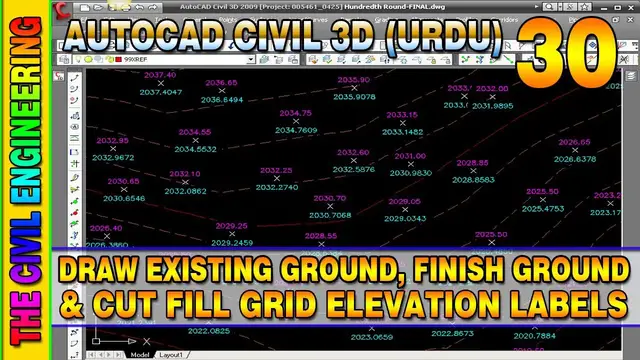

How to Draw EG, FG and Cut Fill Surface Elevation in Civil 3D | Spot Elevation on Grid | Lesson 30
Mar 29, 2023
How to Draw EG, FG and Cut Fill Surface Elevation in Civil 3D | Spot Elevation on Grid | Lesson 30 | Draw Elevation of Existing Ground, Finish Ground and Cut Fill Surface Elevation in Civil 3D | AutoCAD Civil 3D in Hindi/Urdu
#AutoCADCivil3D #SurfaceVolume #CutandFillVolume #EarthworkQuantity #AutoCADTutorials #CivilEngineering #Construction #EngrWaseemRaja #ExistingGround #FinishGround
In this Lesson You can Learn about the following Topics:
- Import Surface Points
- Create Surface (EG Surface and FG Surface)
- Create Tin Volume Surface
- Edit Surface Style (Display Settings)
- Surface Properties
- Create Cut Fill Banding on Volume Surface
- Label Spot Elevation on Grid at Surface (Cut/Fill Elevations)
- Existing Ground Surface Elevation
- Finish Ground Surface Elevations
- Cut or Fill Surface Elevation
Related Videos:
AutoCAD Civil 3D in URDU/Hindi Lesson 1 | The Civil 3D Interface
Show More Show Less