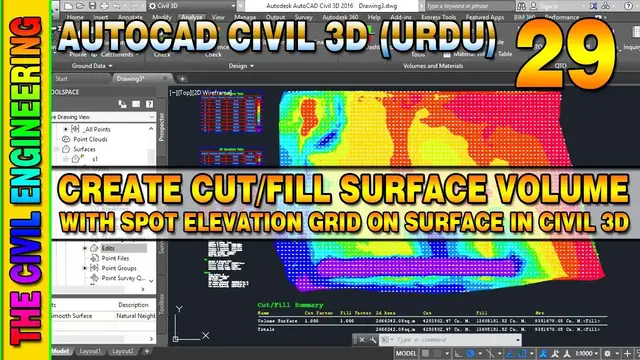

How to Calculate Cut and Fill Surface Volume in Civil 3D | Spot Elevation on Grid | Lesson 29
Apr 15, 2023
How to Calculate Cut and Fill Surface Volume in Civil 3D | Draw Spot Elevation on Grid at Surface | Base Surface and Comparison Surface | Lesson 29 | Urdu/Hindi
#AutoCADCivil3D #CutandFill #SurfaceVolume #CutandFillVolume #EarthworkQuantity #AutoCADTutorials #CivilEngineering #Construction #EngrWaseemRaja
In this Lesson You can Learn about the following Topics:
- Import Surface Points
- Create Surface (Base and Comparison Surface)
- Create Tin Volume Surface
- Edit Surface Style (Display Settings)
- Surface Properties
- Apply Elevation Analysis on Current Surfaces
- Create Elevation Banding on Surfaces (Base and Comparison Surface)
- Create Cut Fill Banding on Volume Surface
- Analyze Surface Volume
- Work with Volume Dashboard
- Insert Cut/Fill Summary
- Generate Cut/Fill Report
- Add Surfaces Legend Table for Elevation & Cut/Fill Banding
- Label Spot Elevation on Grid at Surface (Cut/Fill Elevations)
Show More Show Less #Business Services
#Corporate Events
#Retail Trade
#Retail Equipment & Technology
#Enterprise Technology
#Consumer Resources
#Helpdesk & Customer Support Systems
#Customer Services